Drone Ground Control Systems
Designing a control interface for multi-purpose industrial drones used in avionics and defense applications.
TATA Elxsi

Context and Duration
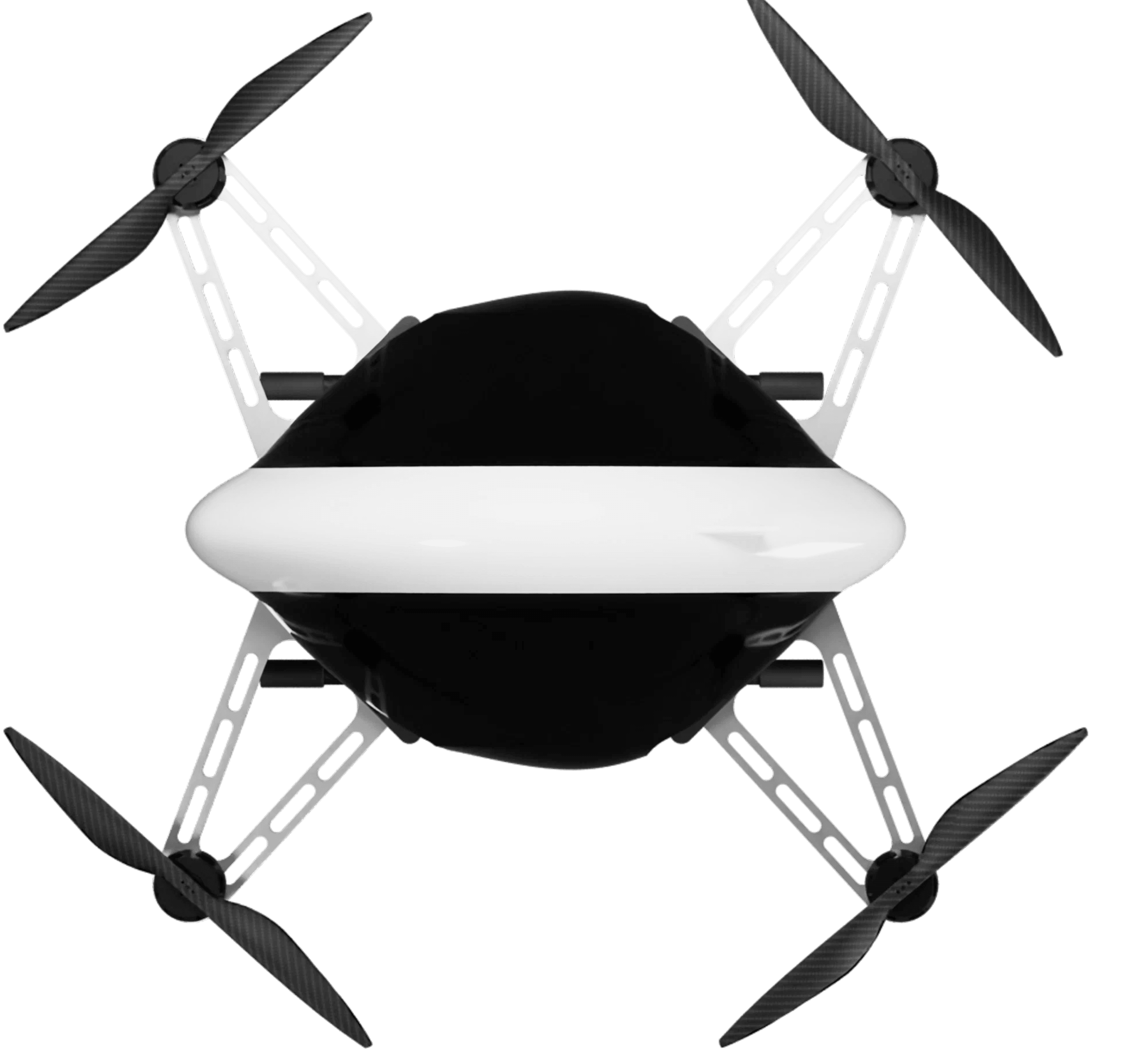
During my two-month internship at Tata Elxsi’s Avionics Division, I worked within the Drone Systems team, focusing on the design of a tablet-based Ground Control System (GCS) for multi-functional industrial drones.
Drone Use Cases and Operations
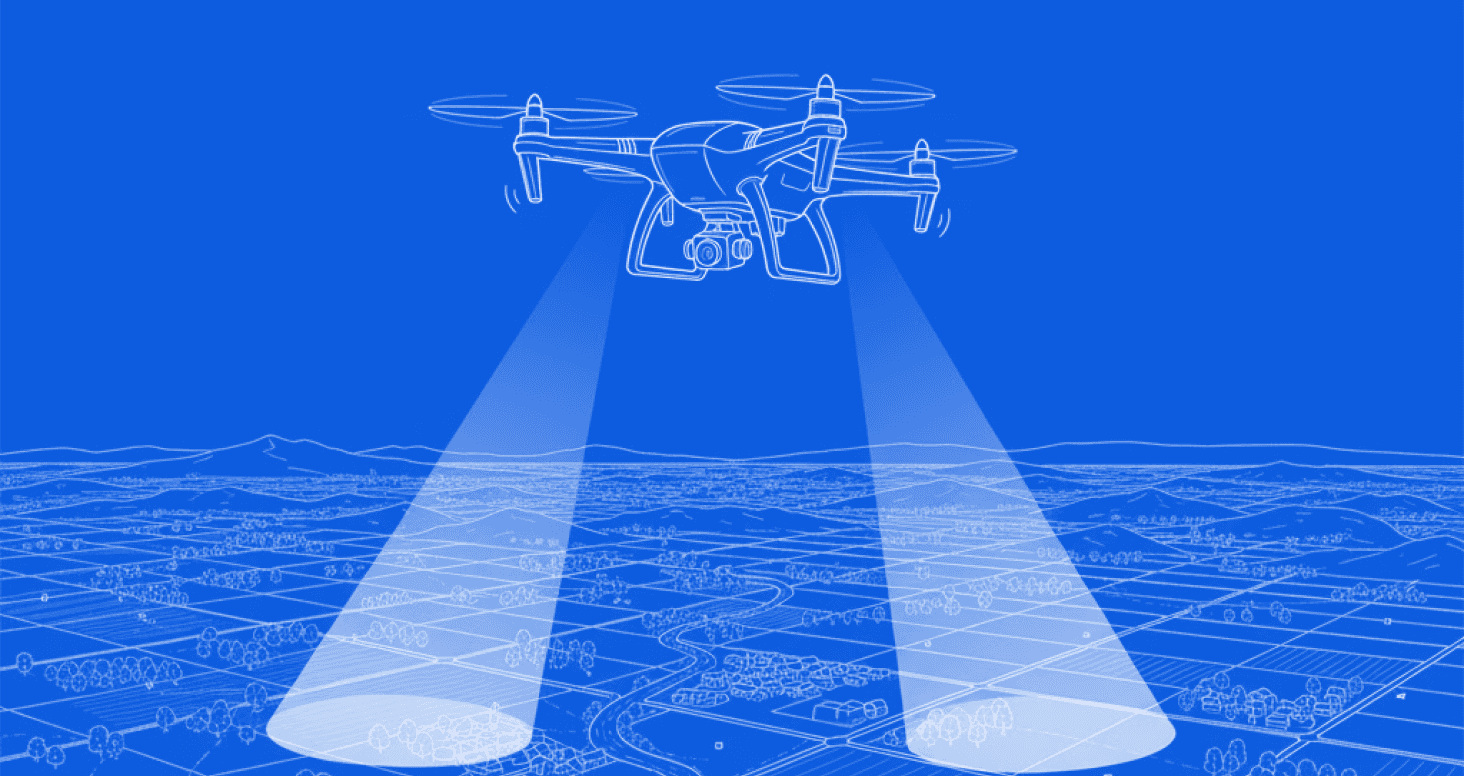
Land Surveying
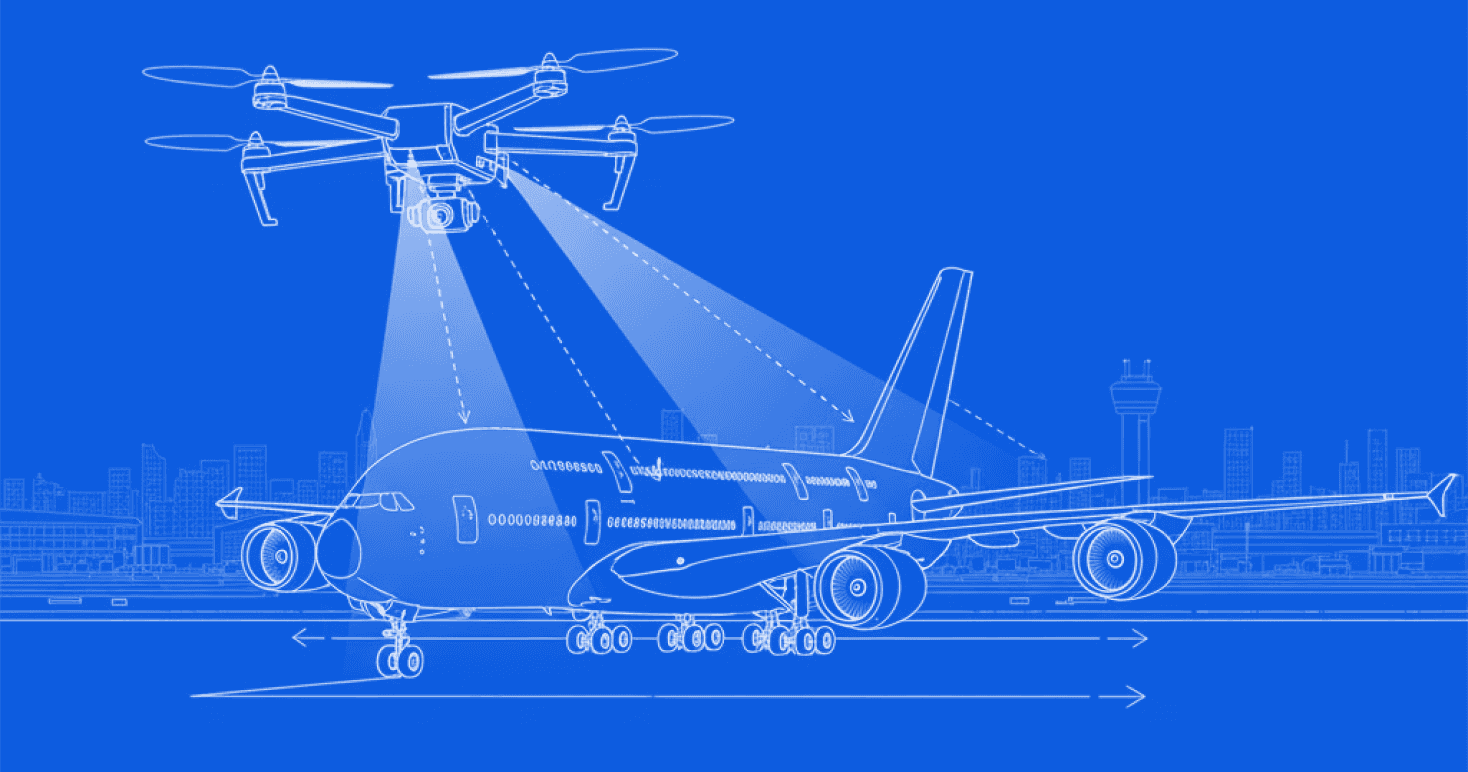
Flight Damage Scanning
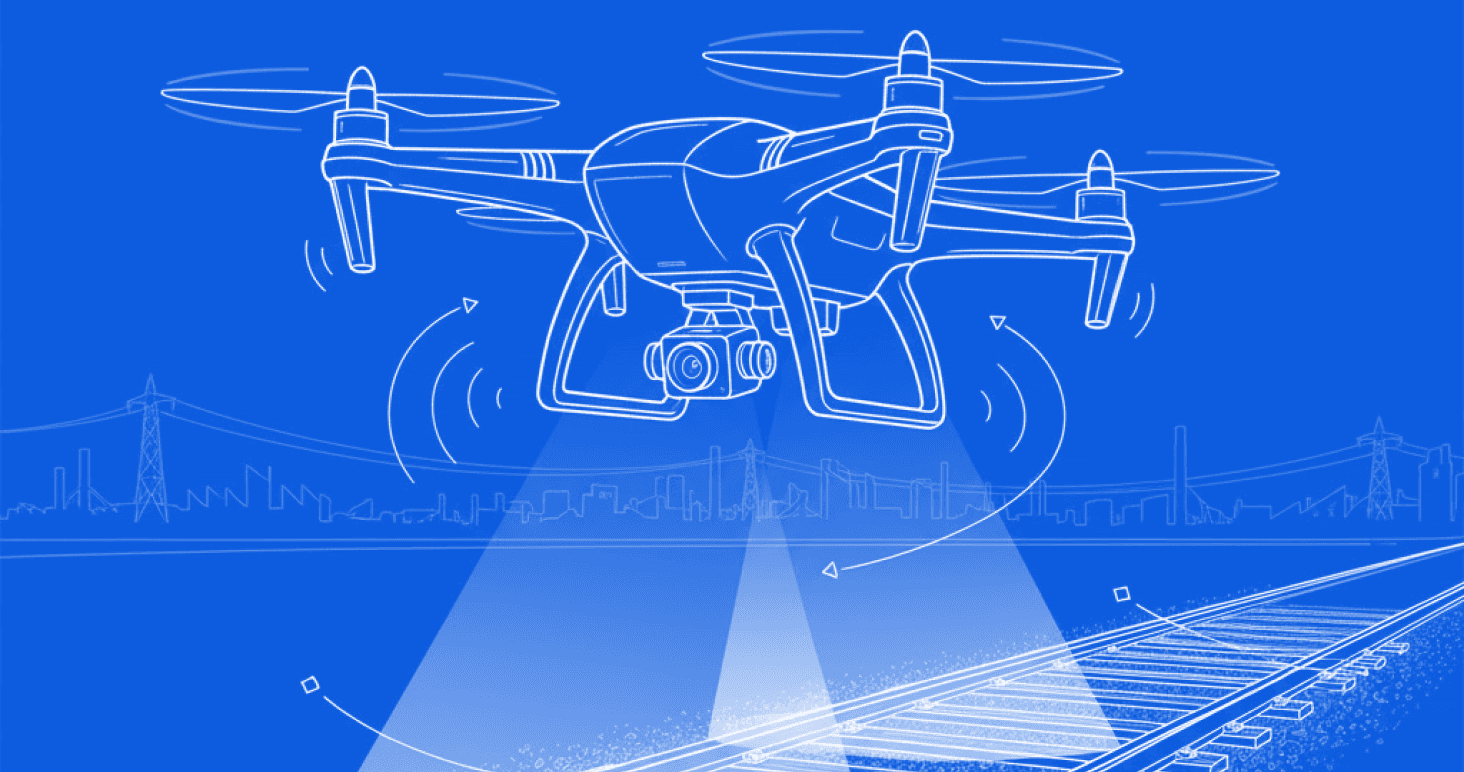
Railway Track Inspection
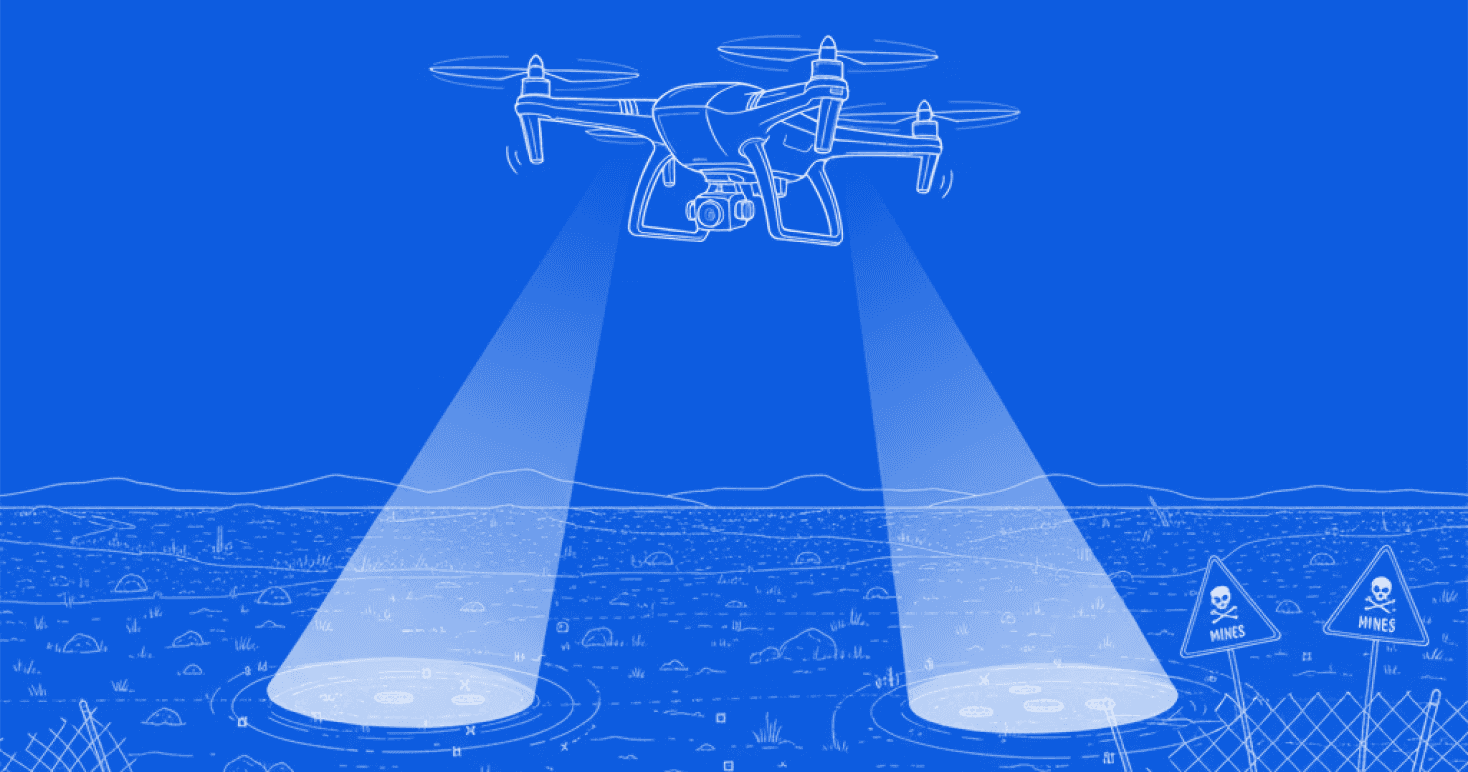
Mine Detection

The Task
My primary task was to research, conceptualize, and design the Ground Control System (GCS) interface for the drone operations team.
I collaborated closely with the development and product design teams to understand system constraints, operational requirements, and real-time data handling. Alongside this, I observed drone flight tests and interacted with operators to identify key usability challenges and workflow gaps.
The goal was to translate these insights into an intuitive, task-focused control interface optimized for field use on tablet devices.

The Process
Understanding the System
Synthesis & Ideation
Research & Observation
Wireframing & Prototyping
What is a Ground Control System
A Ground Control System (GCS) is the central interface through which operators monitor and control drone missions. It manages key functions such as:
Camera and payload operations
Mission planning and waypoint management
Real-time alerts and status feedback
Flight control and telemetry monitoring
In this internship, I focused on the industrial and defence applications of drone systems, where the Ground Control System serves as a critical bridge between the pilot and the autonomous system, requiring precision, reliability, and quick decision-making across diverse operational environments.
Constraints of TATA’s GCS
Limited references
GCS interfaces for unmanned systems are rarely public, making it difficult to find reliable visual or interaction references. Maintaining consistency with emerging industry standards was also a challenge.
Platform restrictions
The system was built on PyQt for rugged laptops and tablets, which limited flexibility in design and graphics.
Operational conditions
Real-time feedback was essential, and navigation was restricted during active flight, meaning all controls and information had to exist within a single scrollable screen.
Error prevention and visibility
The interface needed to function outdoors under varied lighting, so all components had to be unambiguous, high-contrast, and easy to distinguish at a glance.
The Solution
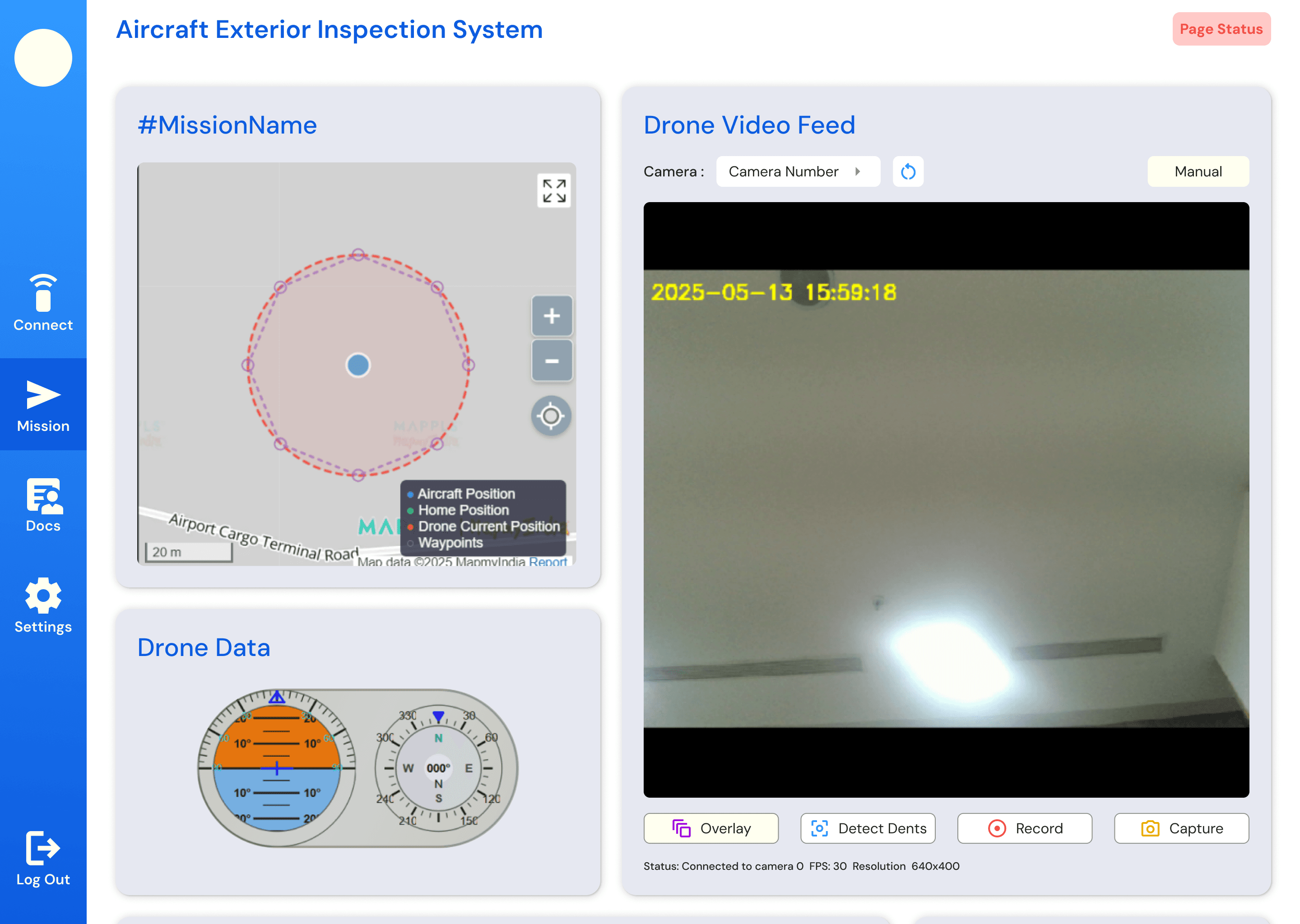
The redesigned Ground Control System (GCS) streamlines complex drone operations into a single, unified interface optimized for rugged tablets and laptops.
It integrates mission control, live telemetry, and camera operations within one clear view to ensure precision, reliability, and situational awareness in demanding field conditions.
Each element of the interface was designed for clarity in outdoor environments, quick recognition, and minimal cognitive load during active missions.
Drone Use Instructions
Each drone operation follows a defined sequence of setup, flight, and data collection. Ground Control Systems are designed to support this workflow seamlessly.
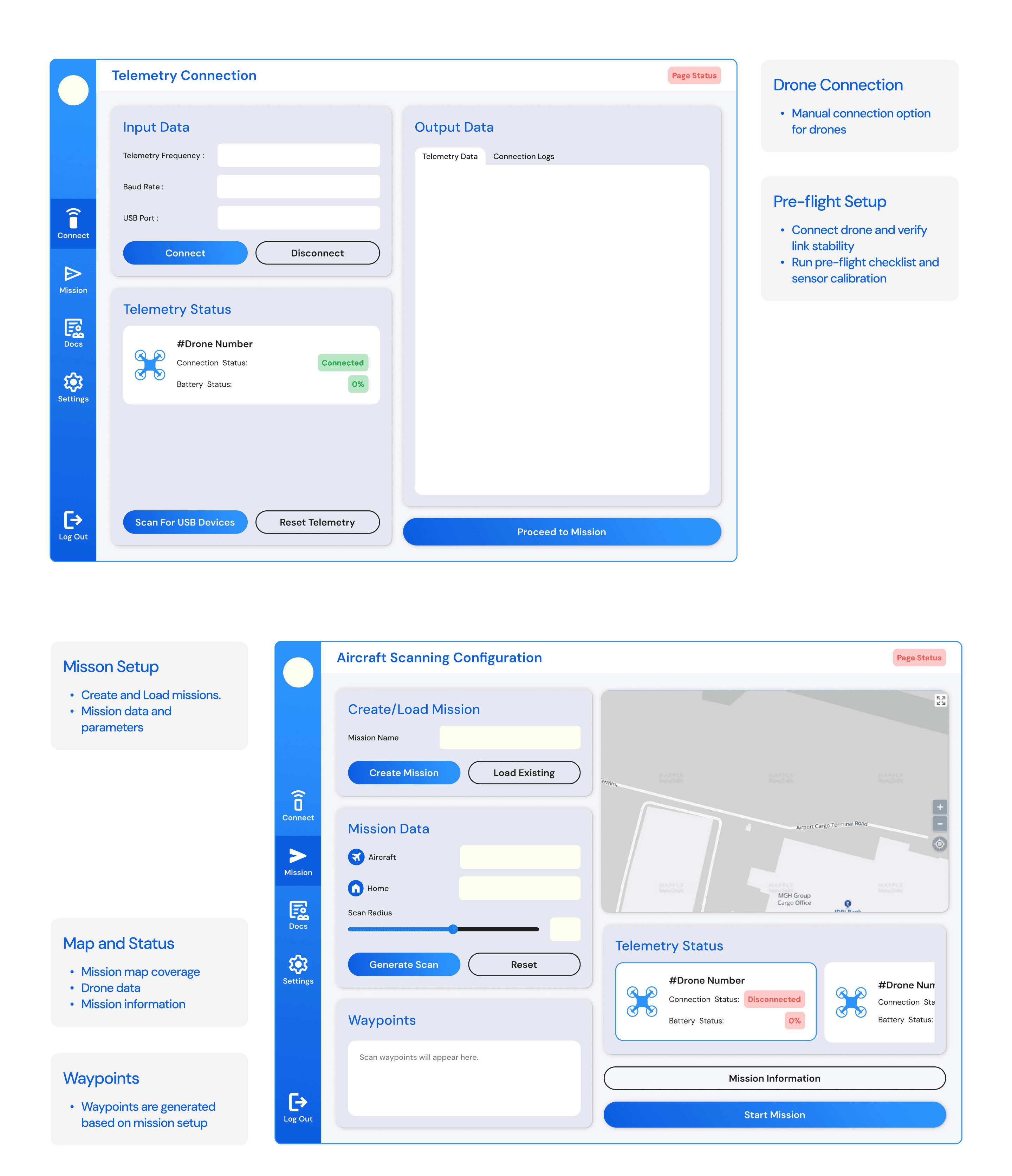
Pre-flight Setup
Connect drone and verify link stability
Run pre-flight checklist and sensor calibration
Load or create mission plans and select mission type
Confirm readiness for safe takeoff
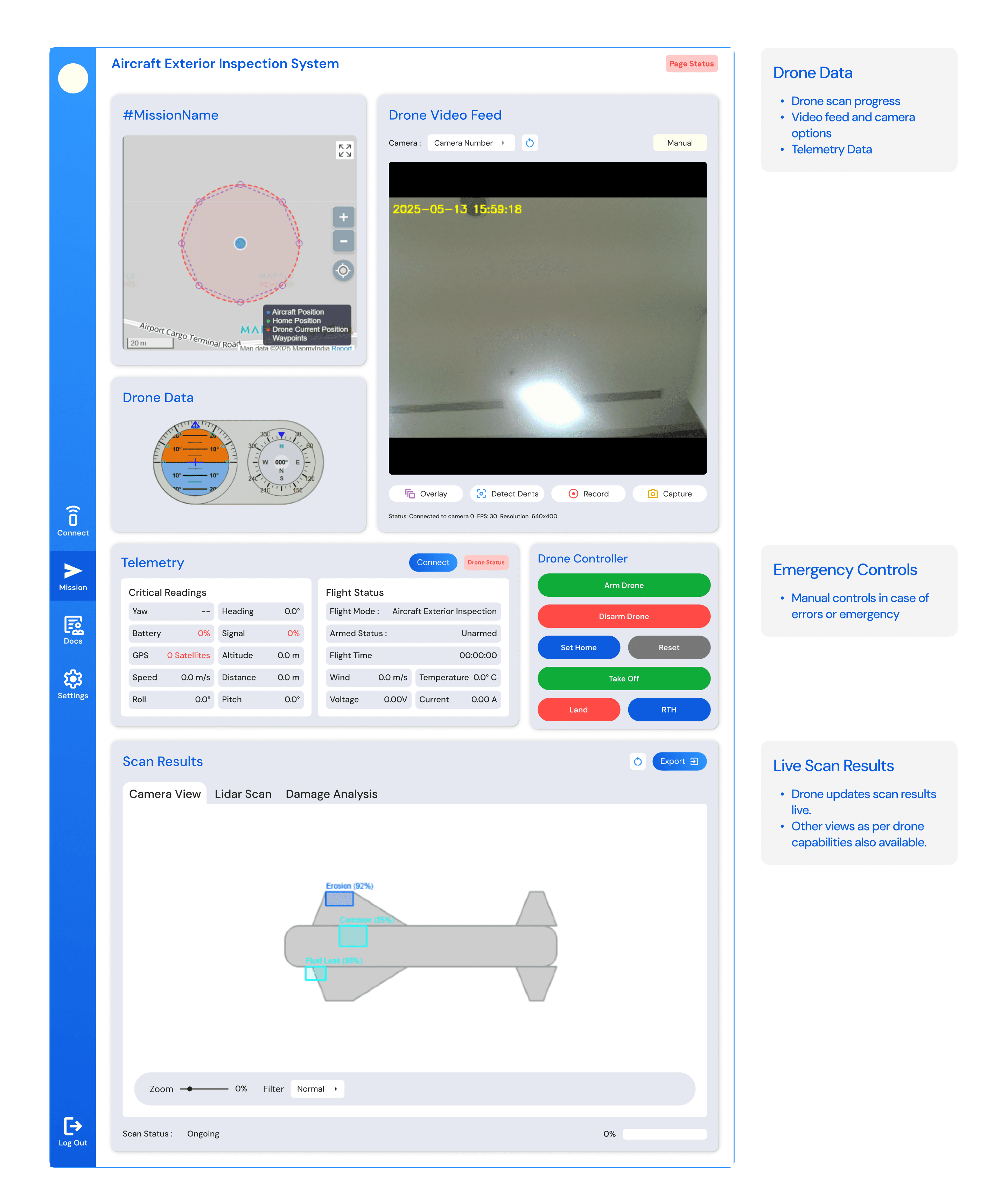
Mission Execution
Monitor live telemetry and camera feed
Track mission route and progress in real time
Access drone controls and emergency options
View live scan results for early insights
Data Review
Review processed scan and captured data
Analyze detected anomalies or target areas
Export data and access detailed flight logs
Interviews
Although I wasn’t able to speak directly with the final Ground Control System (GCS) users, I interacted closely with the drone testing crew, as well as the engineers and designers involved in the development process. These conversations and observations highlighted several key insights:
Establishing drone connection and setup was often the most time-consuming step.
Operators required easy load and save options for recurring missions.
The interface needed to remain simple and focused, minimizing unnecessary complexity.
The system had to perform reliably outdoors under varied light and environmental conditions.
Multi-drone operation was seen as a useful potential feature for future development.
The entire mission interface needed to be visible within a single scrolling screen for better awareness.
During on-site drone testing sessions, I observed several usability challenges within the GCS. Connection setup often faced drops and lacked clear feedback, while the absence of audio or visual cues made troubleshooting difficult. Missed pre-flight checklist steps and hard-to-access emergency controls highlighted the need for clearer feedback and more intuitive recovery systems.
Reframing the Problem
“How might we create a Ground Control System that stays reliable across environments while keeping errors low and operation simple?”
Features
Drone Connection
Drone status check
Pre- Flight Checklist
Mission Configuration
Waypoint Data
Mission Info Check
Telemetry Status
Map View
Drone Flight Data
Drone Video Footage
Drone Controls
Scan Results
Export Data
Visibility Modes
Information Architecture
Log In/ Sign up
Connect Drone
Mission Planning
Mission Controls
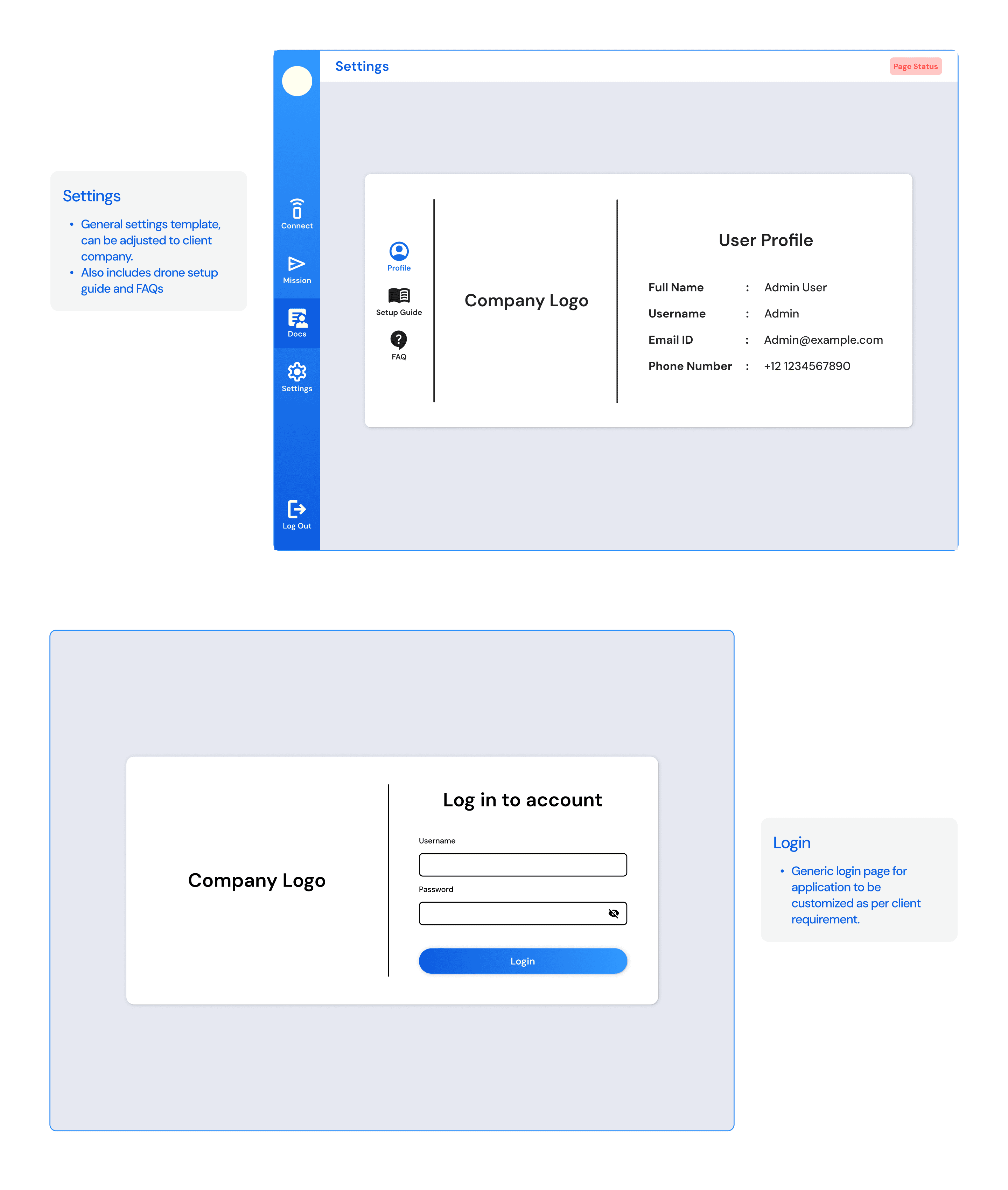
App Settings
Input Data
Load Mission
Display
Mission Status
Live Feed
Drone Data
Drone Controls
Scan Results
Telemetry Data
Connection Status
Create Mission
Data
Connection
Output Data
Mission Information
RTK Settings
Advanced
Omitted in version made for defence
Identity

0D5CE0
3199FF
FFFFFF
212124
Dm Sans
Aa Bb Cc Dd Ee Ff Gg Hh Ii Jj Kk Ll Mm Nn Oo Pp Qq Rr Ss Tt Uu Vv Ww Xx Yy Zz
1 2 3 4 5 6 7 8 9 0 ! @ # $
Screens
Thank You!